In mid-sized companies, artificial intelligence rarely fails because of the model. It fails because the assistant does not know the systems that hold the answers. This is exactly where the next step of the Avantgarde Co-Pilot comes in: it is now available through a public MCP server — and can therefore be addressed by any AI assistant already in use in your company.
What is MCP?
MCP (Model Context Protocol) is the open standard that AI assistants use to connect external systems. The Avantgarde Co-Pilot is that standard server. For Microsoft Copilot, ChatGPT, Claude and any other MCP-capable assistant this means: one URL, and the rest happens by itself.
In the upcoming webcast we connect Microsoft Copilot to the Co-Pilot live, show what becomes possible afterwards, and then reverse the direction: how to connect any of your own systems as an AI tool — without programming.
One URL instead of an integration project
In Microsoft Copilot Studio you add the MCP server and paste the URL — the assistant discovers the endpoints and handles registration itself. Each user then signs in on a login page with their existing Avantgarde Co-Pilot account and confirms the authorisation. From that moment on, the assistant has the Co-Pilot’s capabilities at its disposal.
In the webcast we use concrete examples to show what this means day to day:
- Questions to Sage 100, Sage 50, Sage HR, DocuWare, CAS and BPI — asked inside the assistant you already use
- Follow-up questions in the same conversation, with context preserved
- Documents come along: Excel export, receipt PDF and DocuWare document arrive in the same answer
- The assistant knows in real time what this user is currently allowed to see — and answers accordingly
Does the AI get its own permissions?
No. This is the key point for IT and data protection: the AI does not get its own access. It always acts on behalf of a signed-in user, and that user works under exactly the same rules that apply in the Avantgarde apps — tenant, connector, views, endpoints, licence. Sign-in, every token renewal and every single request verify this again. If an account is deactivated, access ends immediately.
So when two users get different answers from the same assistant, that is not an error — it is their permission level. How we handle compliance in general is described in our article Tech Deep Dive: How to Integrate AI into Sage 100.
Connect any system — without code
The second direction: instead of developing an integration for every interface, an administrator defines additional endpoints on the existing connectors via the API Hub — entirely through the REST API. Address, parameters, description. Done.
- Every existing HTTP API becomes an AI tool — on premises or in the cloud
- Individually permissionable, like any other resource
- Changes take effect in the next conversation — no code, no deployment, no update
An outlook on Outlook
To close, we show what we are building for Outlook. The guiding idea: an opened email is checked against your systems instead of being plausibly guessed.
- By design the check is read-only — it cannot create, change or delete anything, which is why it may run automatically
- Evidence instead of assumption: the card states what was found in the system, what was searched for and not found, and what could not be checked — including the reason
- Administrators maintain workflows centrally for the organisation and assign them via the existing role management — no longer hard-compiled into a client
- Write actions only after preview and approval
- Sign in with your Microsoft account and stay signed in across Outlook restarts
Who is this webcast for?
- Sage 50 / Sage 100 customers (business departments and IT)
- Sage partners and ISVs
- Consultants and integrators
- Microsoft 365 administrators
- Decision-makers who want to connect existing AI assistants to their own systems
What you will know after the webcast
- what MCP is and why it saves one integration project per assistant
- how Microsoft Copilot is connected to the Co-Pilot — step by step
- what is possible inside a connected assistant, including files
- why connecting it does not add a single permission
- how to turn your own systems into AI tools without programming
- where the Outlook integration is heading
Date and participation
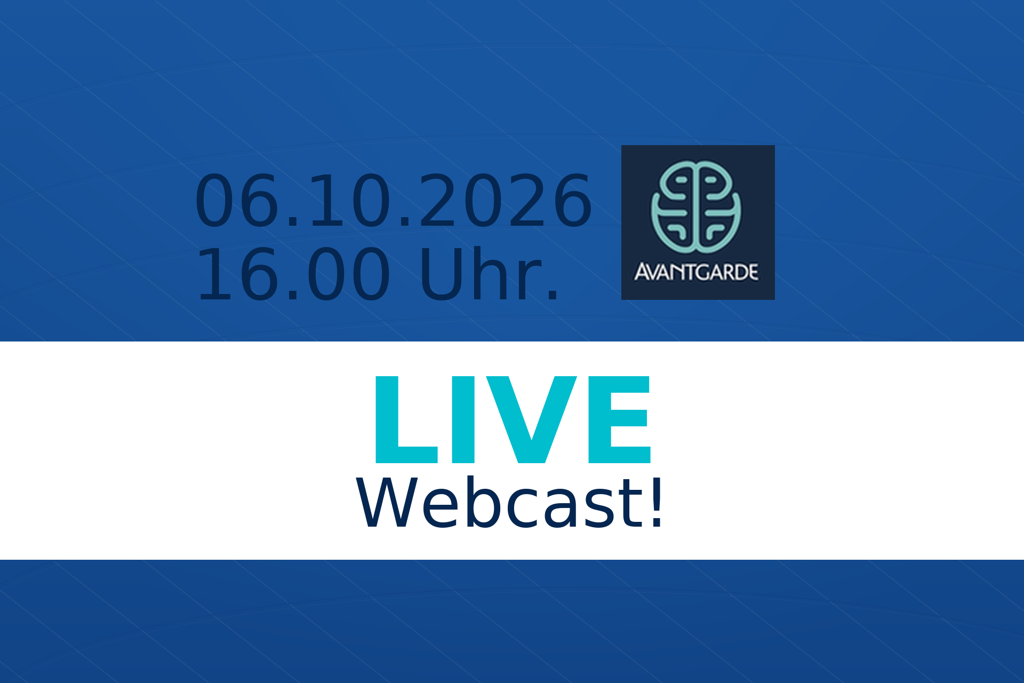
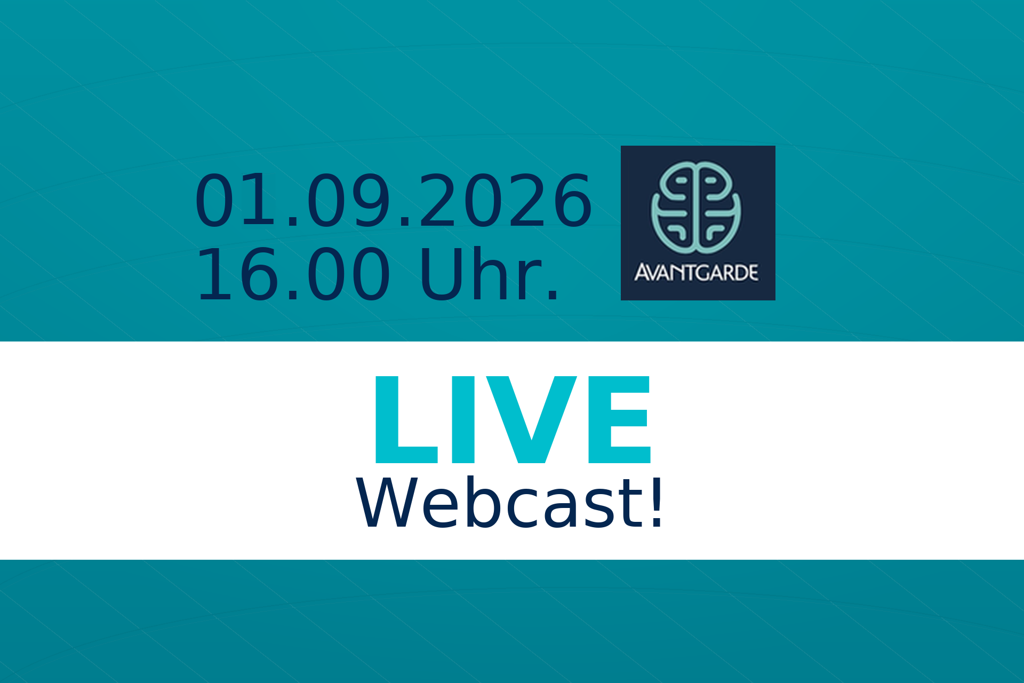
📅 Tuesday, 1 September 2026 🕓 4:00 – 4:30 p.m. (CEST) Microsoft Teams free of charge
Do you have specific questions or use cases of your own? Feel free to submit them in advance — we will pick them up during the webcast. Simply register using the button.
Would you like to take a look beforehand? Read-only access to the Avantgarde Co-Pilot is available free of charge at app.ava-co-pilot.de. To see how AI works directly inside the Sage 100 Smart Client, read Sage 100 9.0.11 + AI in the Smart Client. Questions in advance are welcome at office@avantgar.de.